After Effects Course in Jaipur
Everything you need to know about learning Adobe After Effects in Jaipur — what you study, who it suits, how motion graphics fit into a video editing career, and the showreel you build.
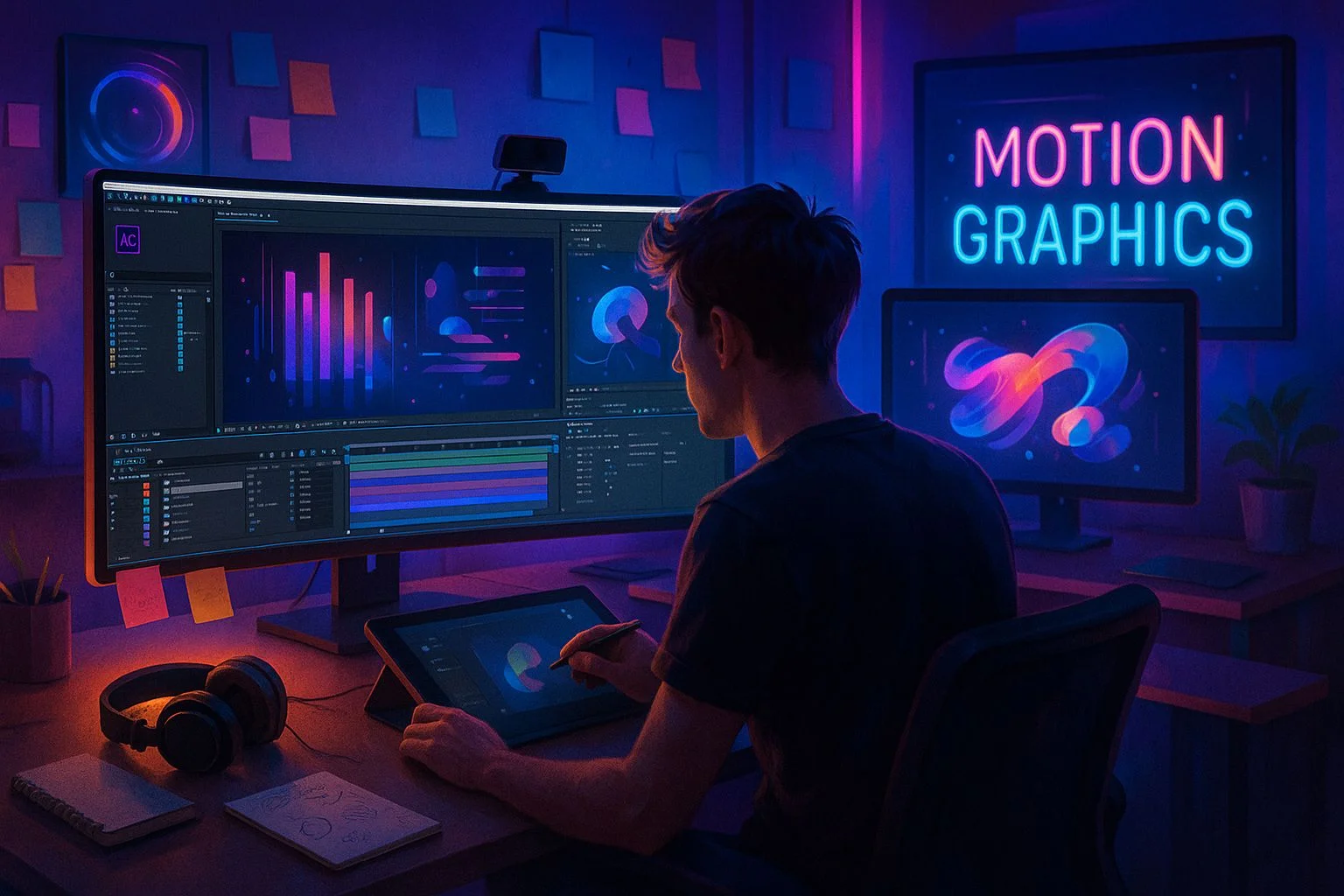
Adobe After Effects is the tool behind the polished, moving graphics you see in almost every modern video — animated titles, lower thirds, logo reveals, infographics, kinetic text and smooth transitions. Where Premiere Pro is the editing timeline, After Effects is where motion graphics and compositing happen. If you want your edits to look professional and stand out, After Effects skills make the difference.
At RedSketch Academy in Jaipur, you do not learn After Effects in isolation — it is taught as a core tool inside the Professional Video Editing (AI Enhanced) and Next-Gen Video Editing Mastery programs — alongside Premiere Pro, DaVinci Resolve, audio and live projects. Compare every option on our Video Editing Courses in Jaipur hub.
In Jaipur's growing creator economy — YouTube channels, brand reels, ad agencies, startups and businesses producing their own content — editors who can add motion graphics and clean animation are valued more than those who can only cut. Those skills also travel: animated titles and graphics are in demand across freelance, remote and agency work everywhere. That is why we treat After Effects as a craft skill, taught through real, showreel-building projects rather than isolated exercises.
Who Should Learn After Effects?
An After Effects course in Jaipur is a strong fit if you are:
- A student after 12th exploring motion graphics
- A video editor wanting to add motion graphics
- A content creator
- A YouTuber wanting animated intros
- A social media or brand manager
- A graphic designer moving into motion
- A freelancer or business owner making your own animated content
After Effects Syllabus at RedSketch
| Module | Topics | Outcome |
|---|---|---|
| After Effects Basics | Interface, compositions, layers, timeline | Navigate After Effects confidently |
| Animation & Keyframes | Position, scale, rotation, opacity, easing | Smooth, natural animation |
| Text & Titles | Animated titles, lower thirds, kinetic text | Professional titles |
| Shape Layers & Graphics | Shapes, masks, paths, logo animation | Motion-graphics elements |
| Motion Graphics | Infographics, animated icons, transitions | Reel-ready graphics |
| Effects & Compositing | Effects, blending, green-screen basics, tracking | VFX fundamentals |
| Premiere Integration | Dynamic Link, round-tripping, exports | Seamless editing workflow |
| Showreel Projects | Real briefs, mentor reviews | Portfolio/showreel proof |
This sits within the wider video curriculum — see the complete video editing syllabus in Jaipur for how After Effects connects to Premiere Pro, DaVinci Resolve and AI workflows.
After Effects in RedSketch Courses
Because After Effects is most valuable alongside editing skills, RedSketch teaches it inside complete programs rather than as a standalone tool:
Professional Video Editing (AI Enhanced)
5 months · 50 sessions · ₹55,000. Premiere Pro with After Effects motion graphics, Audition, Canva Video and AI plus a full showreel.
Next-Gen Video Editing Mastery (AI Edge)
8 months · 80 sessions · ₹95,000. Advanced After Effects motion graphics and compositing with Premiere Pro, DaVinci Resolve colour grading and AI post-production.
New to editing? Start with the Audio & Video Editing Course for Premiere Pro fundamentals first, then build motion-graphics skills. Not sure which to pick? Compare all on the Video Editing Courses in Jaipur hub.
After Effects vs Premiere Pro vs DaVinci Resolve
These three tools are often confused, but each has a clear job in a video pipeline:
After Effects
Motion graphics, animated titles and compositing.
Premiere Pro
The main editing timeline — cuts, pacing, assembly and audio.
DaVinci Resolve
Colour grading and finishing.
In practice, editors use all three together — and After Effects connects to Premiere Pro through Dynamic Link. To see how the timeline tool fits, read the Premiere Pro Course in Jaipur guide. For color correction and finishing, see the DaVinci Resolve Course in Jaipur guide.
After Effects Course Fees & Duration
RedSketch does not charge a separate After Effects-only fee. After Effects is included in two complete video editing programs, so you get far more value than a one-tool crash course:
- Included in Professional Video Editing (AI Enhanced) — 5 months, 50 sessions, ₹55,000.
- Included in Next-Gen Video Editing Mastery — 8 months, 80 sessions, ₹95,000.
- Premiere Pro fundamentals are covered first in the Audio & Video Editing Course — 3 months, 30 sessions, ₹30,000.
- EMI and flexible payment options available.
For a full breakdown by level, see our guide to video editing course fees in Jaipur.
Showreel Projects You Build
After Effects training is showreel-focused, so you finish with real motion-graphics work — not just exercises. Typical After Effects projects include:
- Animated logo reveal
- Title sequence
- Infographic animation
- Lower thirds & captions
- Reel transitions pack
- Final motion-graphics showreel
See the kind of results students achieve in our student portfolio. Motion graphics skill can improve the type of roles you qualify for; read Video Editor Salary in Jaipur.
Ready to start learning After Effects?
Compare programs on the Video Editing Courses in Jaipur hub, then book a free demo to see a live motion-graphics class.
Book a Free Demo