10 AI Tools Every Creative Must Try in 2025
RedSketch Academy Tech Guide - Expert review of essential AI-powered tools transforming the creative industry landscape
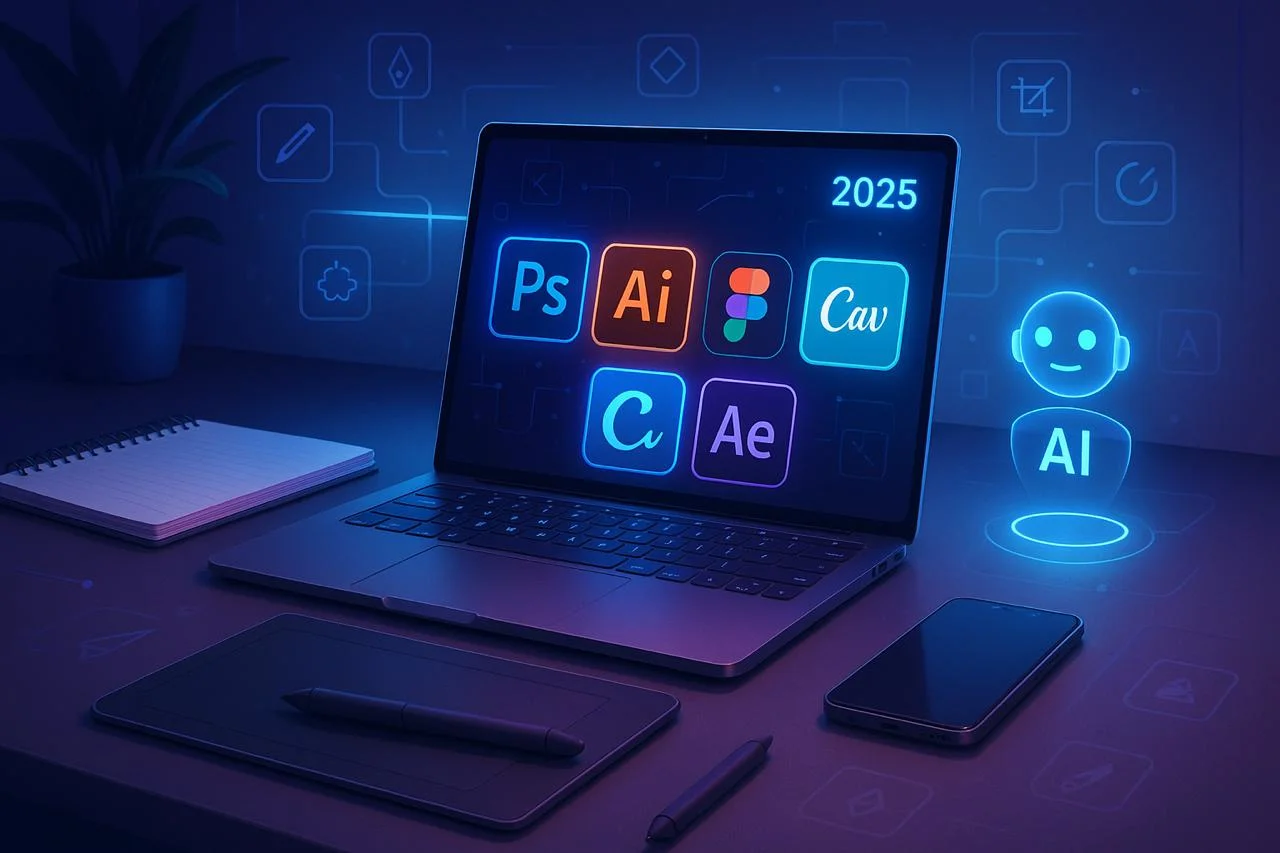
The creative industry is in the middle of a massive transformation. What used to take hours of designing, editing, or brainstorming can now be achieved in minutes — thanks to the power of Artificial Intelligence (AI).
In 2025, AI isn't just a buzzword; it's an everyday assistant for designers, video editors, marketers, and content creators. From generating unique artwork to automating repetitive edits, AI tools are making the creative process faster, smarter, and more innovative.
But with hundreds of tools launching every month, which ones are truly worth your time? In this article, we'll explore the 10 most powerful AI tools every creative must try in 2025, their features, and how they can help you stay ahead in this competitive landscape.
Adobe Firefly – AI for Designers Inside Creative Cloud
What it does:
- • Text-to-image and text-to-vector generation directly inside Photoshop, Illustrator, and Express
- • One-click Generative Fill for extending or removing objects in photos
- • Creates custom color palettes, patterns, and fonts with prompts
Why it matters: Adobe Firefly is embedded into the tools creatives already use, making workflows seamless. It speeds up concept development without leaving the Creative Cloud environment.
Use Case: A graphic designer can generate 10 poster variations in minutes, refine the best, and deliver client-ready designs faster.
MidJourney – AI for Concept Art & Illustrations
What it does:
- • Creates breathtaking concept art, illustrations, and abstract visuals with text prompts
- • Known for its cinematic, high-quality image style
- • Constantly evolving with community-driven updates
Why it matters: Perfect for mood boards, campaign concepts, and inspiration. It doesn't replace your art — it kickstarts your imagination.
Use Case: A branding agency uses MidJourney to create 50 logo directions before refining the final few in Illustrator.
Canva AI – Design for Everyone
What it does:
- • Magic Design: Upload an idea and get instant design templates
- • AI Copywriting: Generates captions and ad copy
- • One-click resize for different social media formats
Why it matters: For small businesses, students, and social media marketers, Canva's AI makes professional design accessible without advanced skills.
Use Case: A student uses Canva AI to design a LinkedIn banner, Instagram carousel, and YouTube thumbnail — all in 15 minutes.
Runway Gen-2 – AI for Video Creation
What it does:
- • Text-to-video generation — create short clips just by typing prompts
- • Remove backgrounds, add motion tracking, and upscale footage
- • Powerful for creating animations without expensive software
Why it matters: Video editing is one of the most time-consuming tasks. Runway saves days of work, especially for ads, reels, and experimental films.
Use Case: A content creator uses Runway to generate cinematic b-roll for YouTube intros without needing a camera.
Figma AI – Smarter UI/UX Design
What it does:
- • Auto-generates wireframes and layouts based on text prompts
- • Suggests color palettes, typography, and alignment
- • Identifies accessibility issues in real-time
Why it matters: UI/UX designers save countless hours in prototyping and testing. It makes collaboration with developers smoother.
Use Case: A startup team uses Figma AI to mock up a mobile app interface in 1 day instead of 1 week.
Descript – AI for Video & Podcast Editing
What it does:
- • Edit video like text (delete words to cut video)
- • AI-generated voiceovers that sound natural
- • Automatic transcription and subtitle generation
Why it matters: Perfect for YouTubers, podcasters, and editors who want speed without sacrificing quality.
Use Case: A podcast editor trims a 1-hour episode into 20 minutes of highlights in less than an hour.
Copy.ai – AI-Powered Copywriting
What it does:
- • Generates headlines, ad copy, blog intros, and product descriptions
- • Creates multiple variations instantly
- • Adapts tone (professional, casual, witty, persuasive)
Why it matters: Every design needs words. Copy.ai helps creatives pair visuals with compelling text — fast.
Use Case: A social media manager generates 10 Instagram captions for a campaign in 5 minutes.
D-ID – AI Avatars & Talking Head Videos
What it does:
- • Turns text into lifelike talking avatars
- • Great for training videos, marketing explainers, and social media
- • Supports multiple languages
Why it matters: Cuts down the need for actors, expensive shoots, and editing.
Use Case: A startup creates multilingual product demo videos with an AI avatar presenter for global clients.
Remove.bg & Cleanup.pictures – Smart Editing Tools
What it does:
- • Instantly removes backgrounds from images
- • Erases unwanted objects, people, or text from photos
- • API support for batch editing
Why it matters: Simple, fast, and accurate — must-have tools in every designer's toolkit.
Use Case: An e-commerce store cleans 500 product images in a single day.
ChatGPT + Plugins – Creative Assistant
What it does:
- • Brainstorms campaign ideas, creative strategies, and brand names
- • Generates scripts, briefs, and content calendars
- • With plugins, can analyze trends, fetch data, and even draft design outlines
Why it matters: Acts as a 24/7 creative brainstorming partner for designers and marketers.
Use Case: A freelancer uses ChatGPT to plan an entire campaign strategy before moving to design tools.
Bonus Mentions
Soundraw AI
Generates royalty-free music for videos
Krea.ai
Real-time AI image generation and editing
Stable Diffusion
Open-source AI art generator for advanced customization
Frequently Asked Questions
Q1. Which AI tool is best for beginners?
👉 Canva AI and Remove.bg are beginner-friendly and require no learning curve.
Q2. Can AI replace designers and editors?
👉 No. AI speeds up workflows, but human creativity, storytelling, and judgment are irreplaceable.
Q3. Are these AI tools free?
👉 Most offer free versions with limited features. Pro plans unlock full potential.
Q4. Do I need to learn all these tools?
👉 No. Start with 2–3 tools that match your field (e.g., Firefly for design, Runway for video, Copy.ai for marketing).
Conclusion
In 2025, AI isn't here to take away jobs — it's here to transform them. The smartest creatives are those who combine traditional design skills with AI-powered efficiency.
By experimenting with these 10 AI tools, you'll not only save time but also push your creativity to new levels.
At RedSketch Academy, our Next-Gen Graphic Design Mastery (AI Edge) and Professional Video Editing (AI Enhanced) courses teach you how to use these tools like a pro. From Adobe Firefly to Canva AI, you'll learn to blend design fundamentals with the latest AI innovations — ensuring you're always industry-ready.
Stay Ahead with Design Technology
Graphic Design Trends 2025
Discover the top 8 design trends shaping 2025, including AI-driven visuals and innovative typography techniques.
Read More →AI Transforming Graphic Design
How artificial intelligence is revolutionizing creative workflows and opening new possibilities for designers.
Read More →Advanced Photoshop Techniques
Master professional Photoshop workflows and advanced techniques for creating stunning visual designs.
Read More →AI-Enhanced Design Courses
Learn cutting-edge AI tools alongside fundamental design skills in our comprehensive programs in Jaipur.
Explore Courses →✨ Your Future in Creative Industries Starts Here
Master AI-powered creative tools alongside fundamental design skills. Learn from industry experts who use these cutting-edge technologies in real projects.