Figma Team Collaboration Guide RedSketch Academy Design Expert Tips
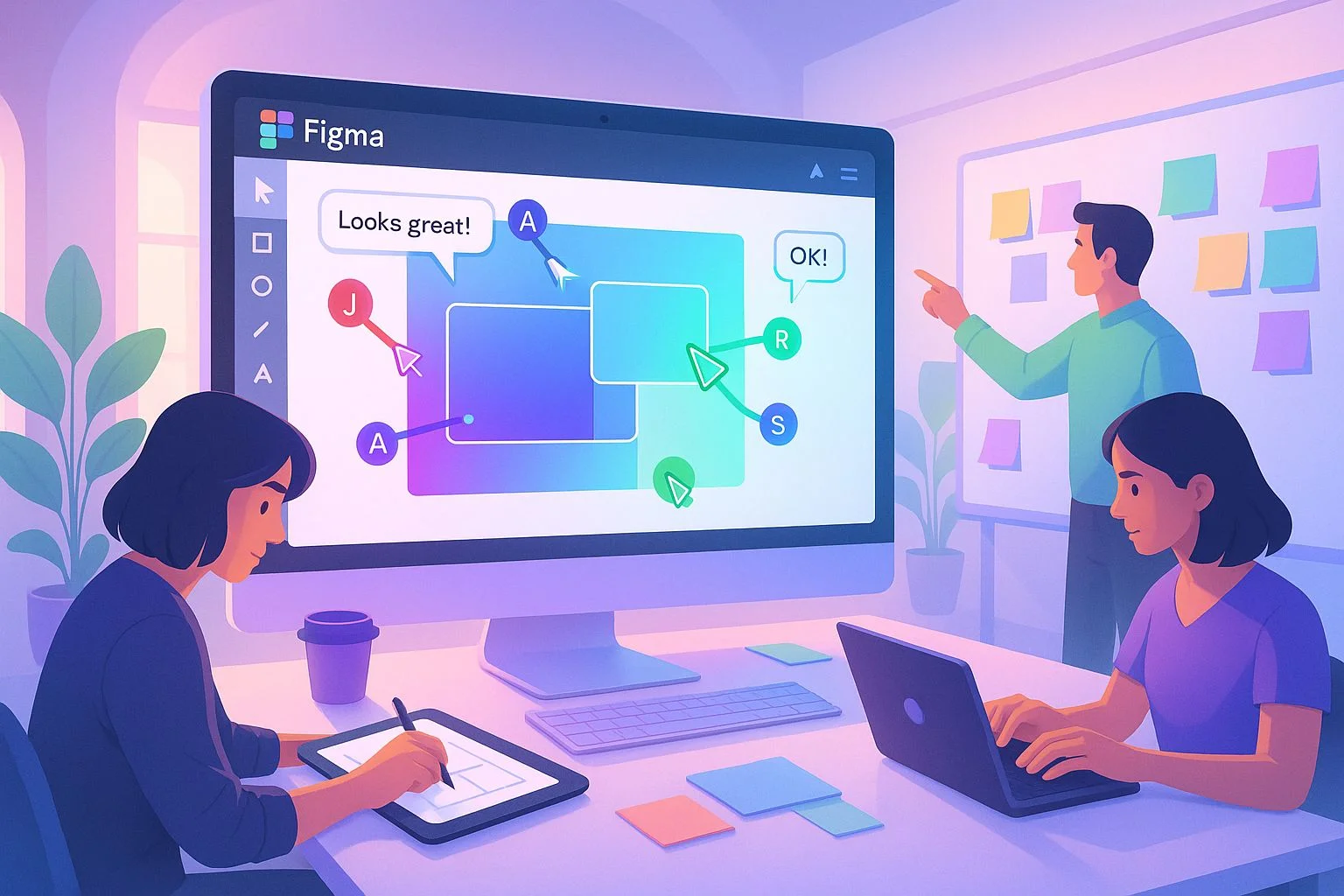
In today's fast-paced digital world, collaboration is the secret ingredient behind successful design projects. Whether it's building a mobile app, redesigning a website, or creating marketing campaigns, projects are rarely executed by one person alone. Designers, developers, marketers, and clients must come together — and this is where Figma has revolutionized teamwork.
Figma is more than just a design tool. It's a collaboration hub where everyone can create, review, and contribute to design projects in real time. With features like cloud-based storage, live co-editing, version control, and powerful integrations, Figma has become a leading platform for collaborative design in 2025.
This article will show you how to use Figma for smarter team collaboration — from setting up projects and sharing feedback to streamlining handoff between design and development.
Why Figma is the Collaboration Champion
Unlike traditional design software, which required endless file-sharing and "final_v12_edit2.psd" headaches, Figma lives in the cloud.
Real-time Collaboration
Multiple team members can edit at once
Cross-platform Access
Works on Mac, Windows, Linux, and browsers
No Installations Needed
Anyone with a link can view or collaborate
1. Setting Up Projects for Teams
The first step toward smarter collaboration is setting up projects effectively.
Create Teams & Projects
In Figma, you can create a dedicated space for each team (Design, Marketing, Development). Within teams, organize projects (e.g., "Website Redesign," "Mobile App UI").
Team: RedSketch Academy → Project: Website Redesign → Files: Homepage_V1, Landing_Page_V2
Define Roles & Permissions
Assign roles like Viewer, Editor, or Admin. This prevents unnecessary edits while still keeping the team engaged.
Use Naming Conventions
Clear file names like "Homepage_V1" or "Campaign_Banner_Q4" help avoid confusion.
👉 Pro Tip:
Structure Figma just like your company's workflow — so everyone knows where to look.
2. Real-Time Collaboration in Action
Figma's killer feature is live co-editing.
Designer
Creates UI layouts
Developer
Checks CSS properties
Marketer
Reviews copy & assets
Client
Provides feedback
No need for dozens of back-and-forth emails. Instead, everyone collaborates on a single source of truth.
👉 Example:
While one designer adjusts a color palette, another can refine typography, and a marketer can suggest copy edits — all in real time.
3. Commenting and Feedback
Feedback loops can make or break collaboration. Figma simplifies this with inline commenting:
Click anywhere on a design
Add a comment directly on the specific element
Tag teammates with "@name"
Instantly notify specific team members
Resolve comments
Mark issues as fixed to keep track of progress
This eliminates messy email threads and keeps all feedback context-specific.
4. Version Control Without the Headache
Traditional tools often left teams confused about which version was final. Figma fixes this:
Auto-save
Every change is saved instantly
Version History
Go back to any previous state
Branching
Create "branches" for experiments and merge them later
Want to test a new color scheme? Create a branch without disturbing the main file.
5. Smarter Handoff Between Design and Development
One of the biggest bottlenecks is design-to-development handoff. Figma makes it seamless:
Inspect Mode
Developers can inspect layers, colors, and spacing directly in Figma
CSS Code Snippets
Copy CSS code snippets without asking designers for assets
Asset Export
Download assets in multiple formats (PNG, SVG, PDF)
This reduces errors, saves time, and improves designer-developer relationships.
6. Figma Plugins That Supercharge Teamwork
Figma's plugin ecosystem brings collaboration to another level:
Content Reel
Share brand-approved text snippets
Unsplash/Pexels
Add free stock images instantly
Icons8
Access a shared library of icons
Figmotion
Basic animations for smoother presentations
Stark
Ensure accessibility compliance
With plugins, Figma becomes a customizable design powerhouse.
7. Integrations for Cross-Team Efficiency
Collaboration isn't just about designers. Marketers, project managers, and developers also need access. Figma integrates with:
Slack
Get instant design update notifications
Jira/Trello
Link design tasks to project management boards
Notion/Confluence
Embed designs into documentation
Zoom/Teams
Share live Figma screens during meetings
These integrations keep all teams aligned without switching tools.
8. Collaboration Beyond the Design Team
Figma isn't just for designers:
Marketers
Use it to review campaign creatives
Developers
Use it for code-ready assets
Clients
Can preview work live, reducing surprises at delivery time
This cross-functional collaboration ensures projects move faster with fewer revisions.
9. Best Practices for Smarter Figma Collaboration
To get the most out of Figma:
Set Rules
Who can edit, who can comment
Create Shared Design Systems
Standardize fonts, colors, components
Communicate Inside Figma
Keep conversations in context
Review Weekly
Schedule regular design reviews inside Figma
Document Everything
Use notes, labels, and annotations
These practices make collaboration smooth, professional, and scalable.
10. Real-World Example: A Website Redesign with Figma
Imagine a team working on a RedSketch Academy website redesign:
Designers
Build wireframes and mockups in Figma
Developers
Inspect components directly for CSS values
Marketers
Comment on the copy and images
Stakeholders
Review progress without downloading a single file
One unified workspace where feedback is faster, handoff is smoother, and the project timeline is cut by half.
Frequently Asked Questions
Q1. Is Figma better than Adobe XD for collaboration?
👉 Yes, Figma is cloud-based with real-time collaboration, making it more effective for distributed teams.
Q2. Can non-designers use Figma?
👉 Absolutely. Viewers can comment, review, and even prototype without design experience.
Q3. How secure is Figma for client projects?
👉 Figma uses enterprise-grade encryption, role-based permissions, and private projects for security.
Q4. What's the cost of Figma for teams?
👉 Figma offers free plans for small teams, with pro/business tiers for advanced collaboration features.
Conclusion
Figma has become the gold standard of team collaboration in design. By offering real-time editing, commenting, version control, developer handoff, and cross-team integrations, it ensures that designers, developers, marketers, and clients are always on the same page.
In 2025, mastering Figma isn't optional — it's essential. If you want to thrive as a designer or creative professional, you need to know how to use Figma as both a design tool and collaboration hub.
👉 Ready to Master Figma and Future-Proof Your Career?
At RedSketch Academy, our Digital Graphic Design & Website Design Courses train students on Figma, Photoshop, Illustrator, and AI-powered tools, ensuring they graduate job-ready and collaboration-ready. Learn industry-standard workflows, team collaboration best practices, and advanced Figma techniques from experienced professionals.
Where creativity meets career success
Related Design Articles
Designer Tools 2025
Discover the latest design tools and software that professionals use in 2025.
Read More →Design Team Best Practices
Learn how to build effective design teams and collaborative workflows.
Read More →