Motion Graphics Creation Process 2025 - Master Animation Workflow at RedSketch Academy
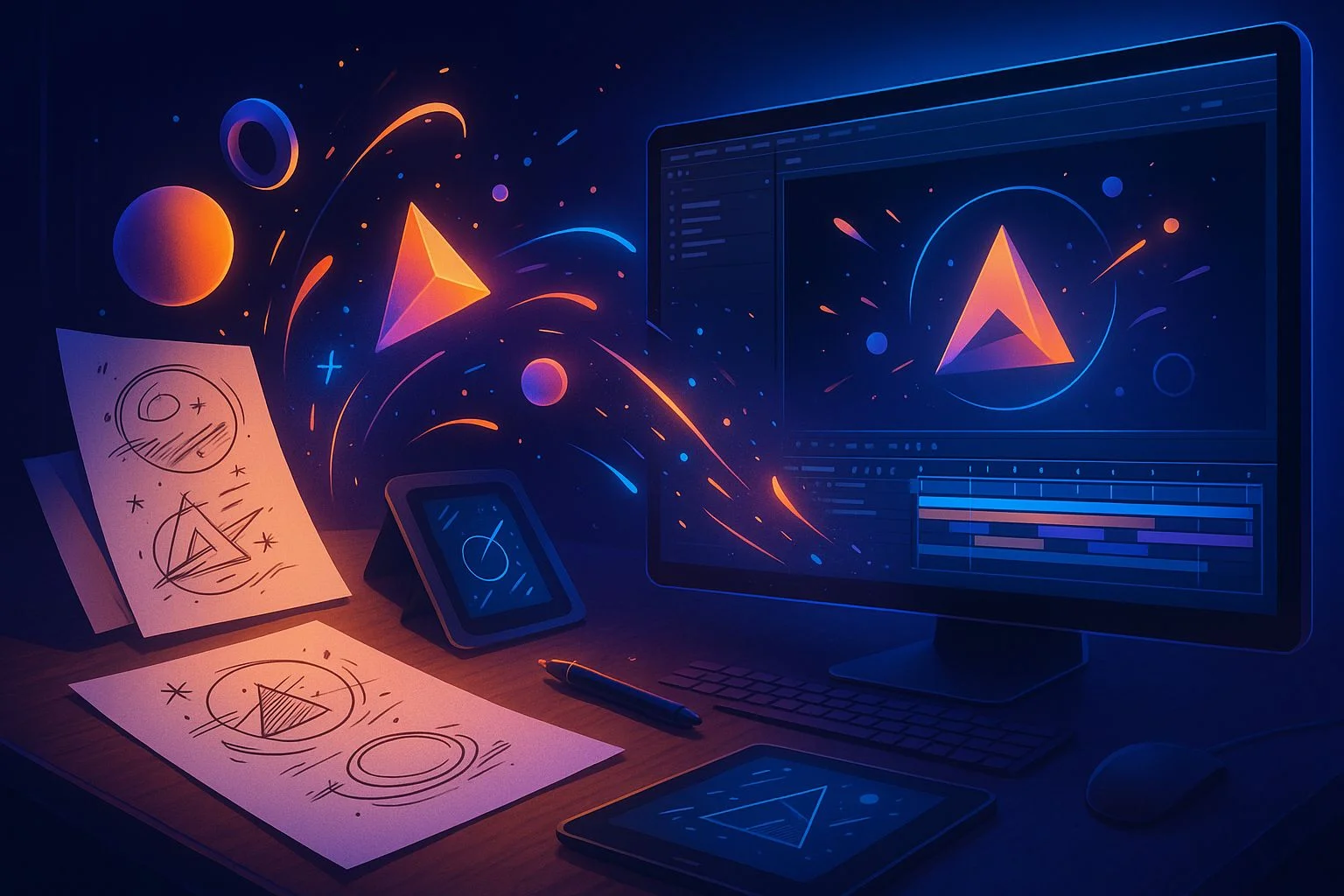
Motion graphics are everywhere in today's digital world — in ads, movies, social media reels, explainer videos, and even your favorite mobile apps. But have you ever wondered how those eye-catching visuals move from a simple sketch to a polished screen-ready animation?
The process of creating motion graphics blends art, storytelling, and technology. It's not just about using software; it's about taking an idea and breathing life into it frame by frame.
In this detailed guide, we'll walk you through the end-to-end motion graphics pipeline — from concept sketches to the final render. Whether you're a beginner or a professional refining your skills, this process is the blueprint followed by top studios and creatives worldwide.
The Motion Graphics Pipeline
Ideation and Concept Development
Every motion graphics project begins with a big idea. This phase involves:
Understanding Objective
What message or story should the animation deliver?
Target Audience
Who are we designing for (brand, product, or social media)?
Mood Boards
Collecting references, styles, and inspiration images
For a tech startup ad, the concept might focus on futuristic, sleek animations with neon color palettes.
Always align concept ideas with brand identity. Motion graphics should amplify the brand message, not overshadow it.
Scriptwriting
Before sketching, you need words. The script acts as the skeleton of your motion graphics.
A 30-second explainer video script might break down into: Problem → Solution → Benefits → CTA.
Storyboarding
Once the script is ready, it's time to visualize the story through sketches or frames.
Storyboarding saves hours of rework by mapping out visuals and timing before animation begins.
Style Frames and Design
Here's where static sketches turn into polished design mockups.
Design Elements
Style Considerations
For a healthcare explainer, style frames may use soft blues, human-friendly icons, and clean typography.
Animatics (Timing Preview)
Before animating, designers create animatics — essentially a slideshow of storyboard frames synced with voiceover and music.
Purpose
Test pacing, flow, and timing before full animation
Why it matters
Adjusting timing here is easier than re-animating later
Even rough animatics provide invaluable feedback on whether the story "feels right" before full production.
Animation Production
Now comes the heart of motion graphics: bringing static designs to life.
Software & Tools
Animation Techniques
Keyframing
Controlling movement frame by frame
Easing
Adding realism by smoothing motion in/out
Motion paths
Defining how objects move across screen
Masking
Revealing/hiding parts creatively
A rocket launch animation would involve scaling effects, smoke particle simulations, and camera shakes for realism.
Adding Effects and Dynamics
Motion graphics without effects often feel flat. Designers enhance animations with:
Particle Effects
Smoke, sparks, dust, magical elements
Transitions
Smooth cuts between scenes
Lighting & Shadows
Adds depth and realism to flat designs
3D Camera Moves
Makes animations cinematic
Explainer video transitions may use animated wipe effects or morphing text for fluid storytelling.
Sound Design & Voiceover
Sound is half the experience. Adding sound effects (SFX), background music, and voiceover elevates motion graphics.
SFX
Buttons clicking, whooshes, pops
Music
Sets mood — upbeat for ads, calm for tutorials
Voiceover
Guides narrative and connects emotionally
Without sound, even the most stunning visuals often feel incomplete.
Rendering and Export
The final stage involves exporting the project for screen use.
Rendering Formats
Optimization
Compress without losing quality for faster loading
Platform Versions
Always check color profiles and resolution to ensure visuals appear consistent across devices.
Client Review and Final Delivery
Motion graphics is collaborative. The client review cycle involves:
Only after approvals do designers deliver the final high-resolution file.
Common Mistakes to Avoid
Frequently Asked Questions
Q1. How long does it take to create motion graphics?
👉 A simple 30-second animation can take 2–3 days, while complex explainer videos may take weeks.
Q2. What is the best software for motion graphics in 2025?
👉 Adobe After Effects remains the industry leader, but Blender and Cinema4D are rising fast for 3D-heavy projects.
Q3. Do I need drawing skills for motion graphics?
👉 Basic sketching helps with storyboarding, but digital tools now make it easier even for non-artists.
Q4. What career opportunities exist in motion graphics?
👉 Motion Designer, Visual Effects Artist, Ad Film Animator, Social Media Content Creator, and more.
Conclusion
The journey from sketch to screen in motion graphics is a structured, creative pipeline — starting from raw ideas, polished through design and animation, enhanced by sound, and finally rendered for the world to see.
For beginners, this may seem overwhelming, but with structured guidance, you can learn to master each stage.
✨ Ready to Move from Sketch to Screen?
At RedSketch Academy, our Professional Motion Graphic & Video Editing Course and Advanced Motion Graphic (AI Edge) Program cover every step — from storyboarding to advanced After Effects techniques. With hands-on projects, faculty mentoring, and placement support, you'll be ready to bring your creative visions to life.
Related Articles & Resources
The Future of Animation: AI-Powered Worlds
Discover how AI is revolutionizing animation workflows and what it means for motion graphics artists.
Read Article →Motion Graphics vs Animation Career Guide
Compare career paths and opportunities in motion graphics versus traditional animation fields.
Read Article →A Day in the Life: Motion Graphics Artist
Follow a professional motion graphics artist through their typical workday and creative process.
Read Article →NextGen Graphic Design Program
Master motion graphics, animation, and visual effects with industry-standard tools and techniques.
Explore Course →MarketX Hybrid Program
Learn video marketing and motion graphics for digital campaigns and brand storytelling.
Explore Course →Essential Designer Tools for 2025
Complete guide to motion graphics software, plugins, and tools used by professionals in 2025.
Read Article →